Creating a Common Excel Download Utility Class Using Java POI
It’s nothing grand, but I’d like to share an experience I had at work a few months ago.
It started with inquiries from end users, namely my coworkers, who use the back-office system internally.
The inquiry was as follows:
Excel download doesn’t work or becomes strange when the row count exceeds a certain number…!
At our company, even before I joined, we’ve been working on converting multiple servers that were originally built in PHP to Java.
The back-office server was among them.
For the convenience and ease of implementing bulletin boards in the back-office, we had chosen and been using the datatables library.
We had also been using the Excel download feature provided by this library to allow users to download the contents of these bulletin boards as Excel files.
The problem occurred with this feature. The problem was as follows:
The Excel download feature works fine if the row count is below a certain number When rows increase, the problem manifests in one of two ways:
- Only the contents of the first page are included in the Excel file.
- The download doesn’t happen at all.
At first glance, there seemed to be issues.
There was a similar post about this problem: -> (Link to the post)
The solution suggested using a chunk method, and I considered solving it this way, but there were a few more problems. Here’s another inquiry from the end user:
The Excel download seems a bit slow too…!
I looked into related issues, but honestly, integrated features provided by libraries have areas that are difficult to control directly.
So I decided to proceed with implementing it directly in Java.
Fortunately, there was a library called POI created by Apache, which made it relatively easy to build.
Points to note:
- HSSF: Method used for Excel versions before 2007 (.xls) 2) XSSF: Method used for Excel versions 2007 and later (including 2007, .xlsx) 3) SXSSF: Streaming Version of XSSF that uses less memory, mainly used for large-volume Excel downloads [Source] Java Large-Volume Excel Download Implementation|Author Timon Development
I proceeded with the SXSSF method.
Since I was building it anyway, I wanted to make it usable commonly. So I wanted to create it as a common utility class that could be used easily across numerous bulletin boards. Of course, looking at it now, it seems quite lacking…
| |
| |
While this utility has other code as well, the key parts are as follows:
It differentiates the format depending on whether the data is a natural number, decimal, or string, and performs a Flush every 10,000 rows to prevent Out of Memory errors.
What is Flush here?
It’s the process of moving data from memory to disk (temporary file) and clearing the memory.
Important note: after the Excel download or any function is complete, you must delete the temporary files!!
| |
At first, I made it without knowing anything and kept getting Out of Memory errors during testing… haha ;;
Of course, I considered creating it by referencing the method above, but since the format was somewhat consistent in our back-office server, and as our company is a startup, it was difficult to allocate sufficient time to implement the above feature, so I decided to go with this level.
After changing to this feature, the performance changes were as follows:
4~5 minutes (browser download failure cases existed, cases where only first page was downloaded) -> Less than 1 minute and these cases disappearedServer resources were also not problematic. When executing the feature on approximately 45,000 rows of data, it seems to consume some CPU resources, but I could confirm that memory resources were managed well.
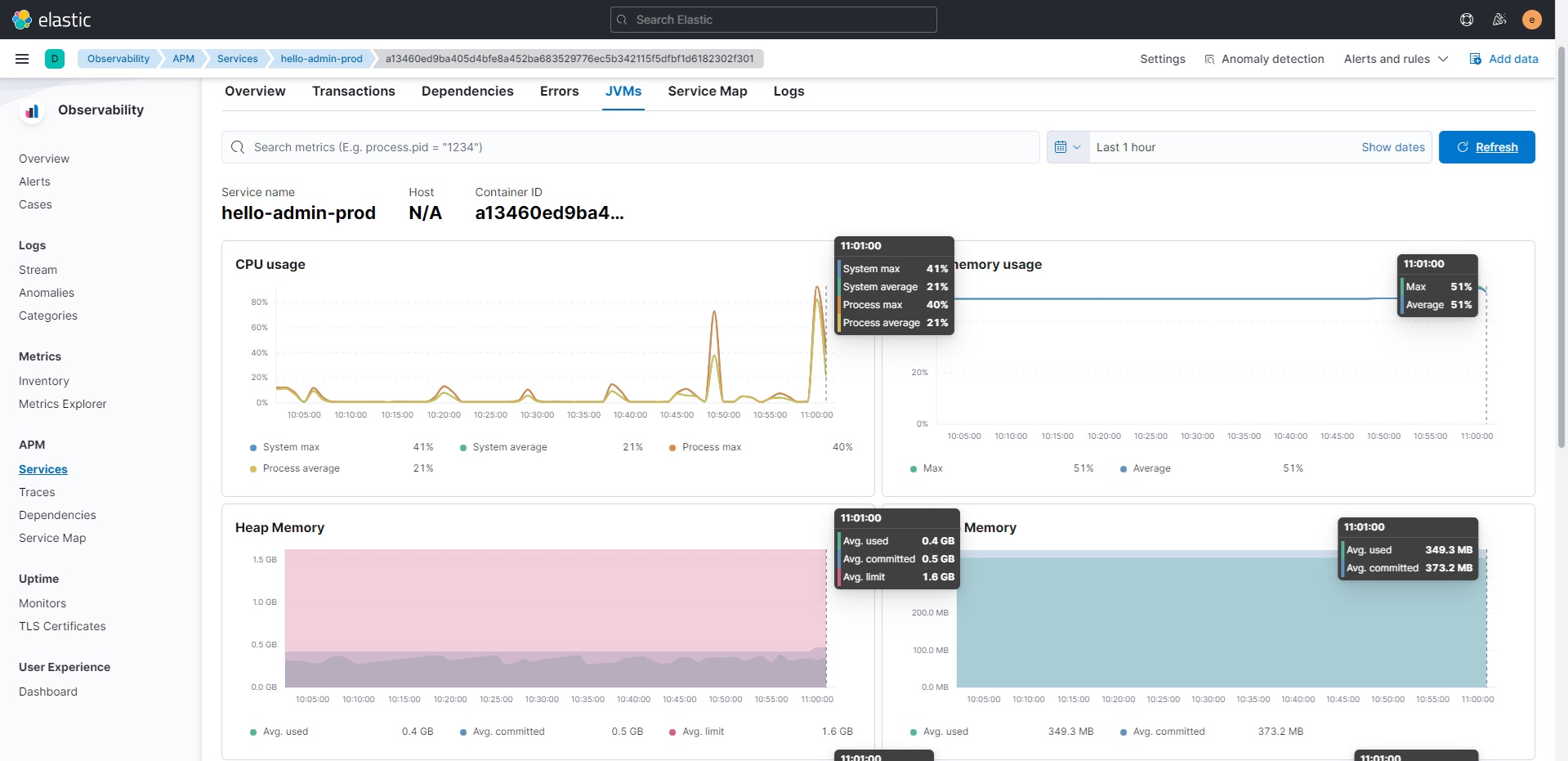
As a result, I was able to solve the problem within the deadline.
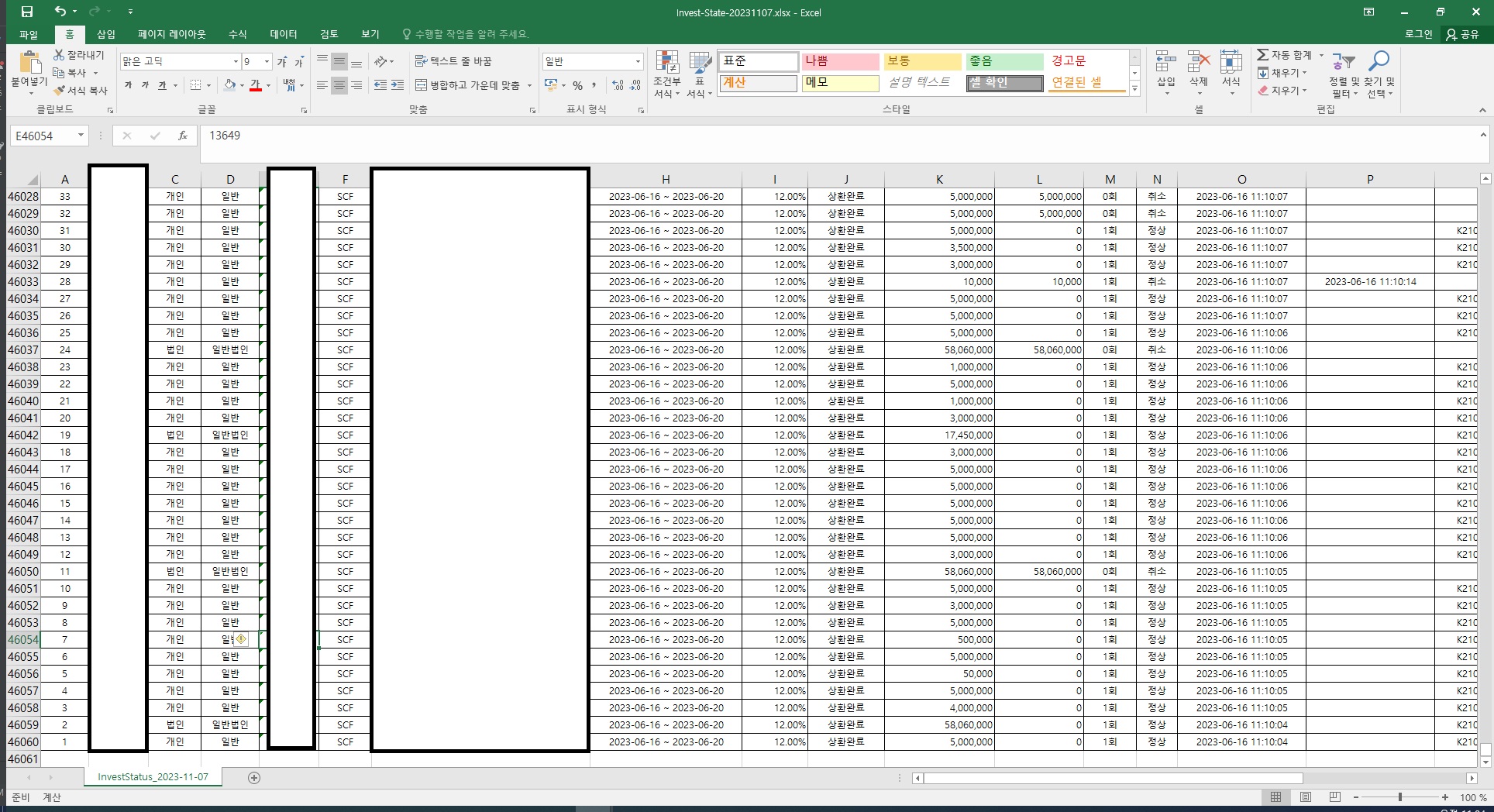
The 45,000 rows of data mentionedOf course, I think there are still many shortcomings to this feature.
Like the Excel download module development story above, there are parts that need more commonization, and since I used reflection, there’s the problem of not being able to catch issues at compile time. Performance also seems to be affected a bit by reflection. There are also parts that need to allow various styles to be applied, so it was a common utility class creation with many shortcomings.
Please view it kindly as just the struggles of a junior developer.
Once again, I hope this post helps someone. Thank you!
Reference
https://datatables.net/ https://poi.apache.org/ https://techblog.woowahan.com/2698/ https://datatables.net/forums/discussion/56948/excel-export-of-huge-number-of-rows https://blog.naver.com/tmondev/221388780914